Why Smart Brands Use Social Media Calendars
Having a strong online presence and making an impact in the market are key to succeeding in today’s highly competitive digital marketing arena. Although there are many ways to
Key Takeaways
In digital marketing, a social media calendar is more than a schedule—it’s a key to strategic publishing and brand consistency. Skip the guesswork and avoid decision fatigue. With the right calendar, you spend less time stressing about what to post and more time engaging your audience.
What is a Social Media Content Calendar?
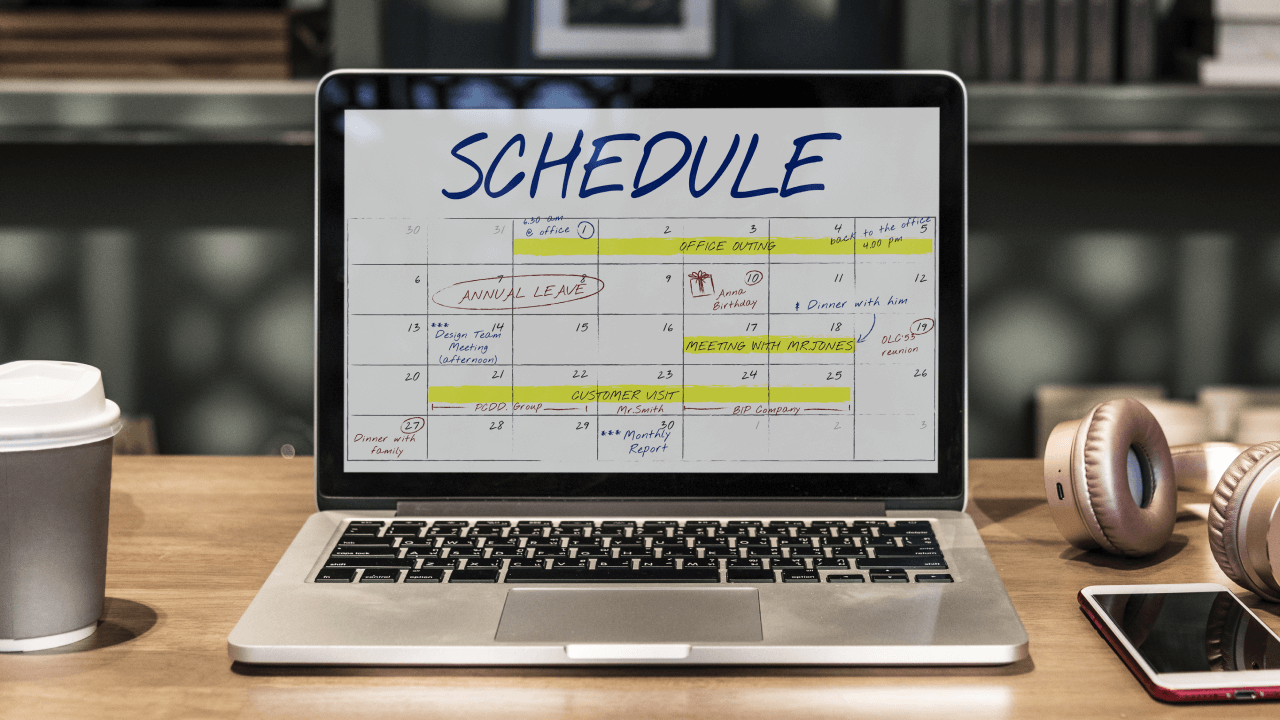
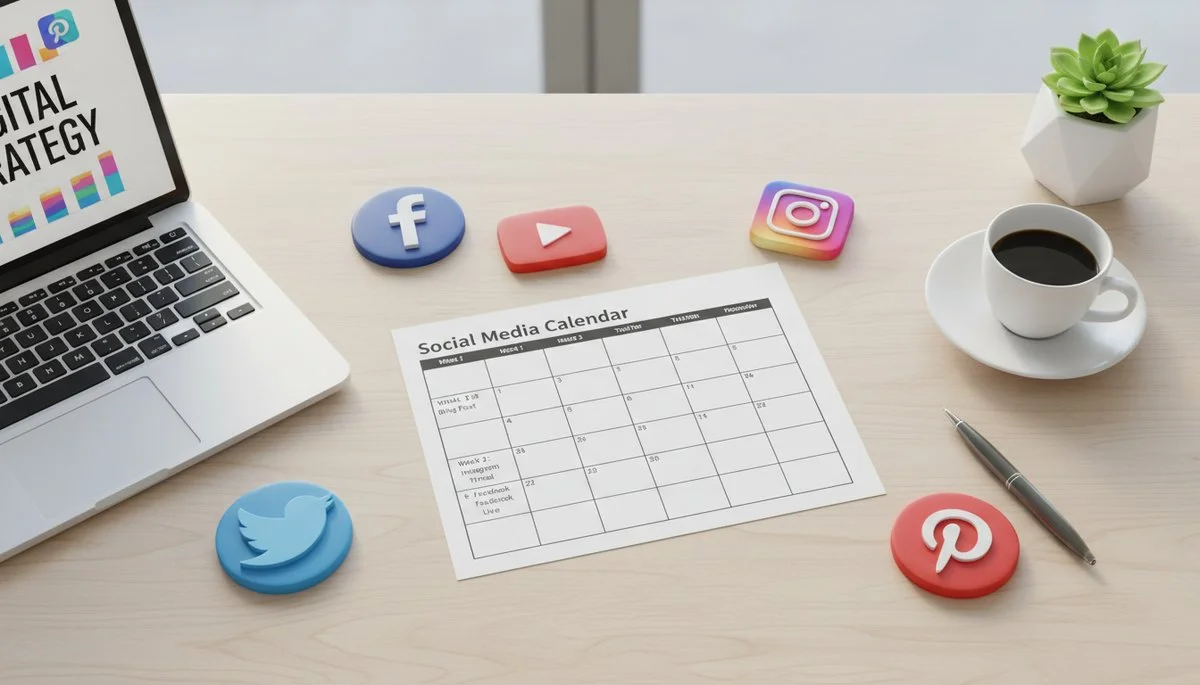
A social media content calendar is a centralized plan for every post, campaign, and story your brand will share across channels. Whether you use a spreadsheet, dashboard, or an advanced calendar template, it keeps your team aligned and helps ensure content goes out on time, every time.
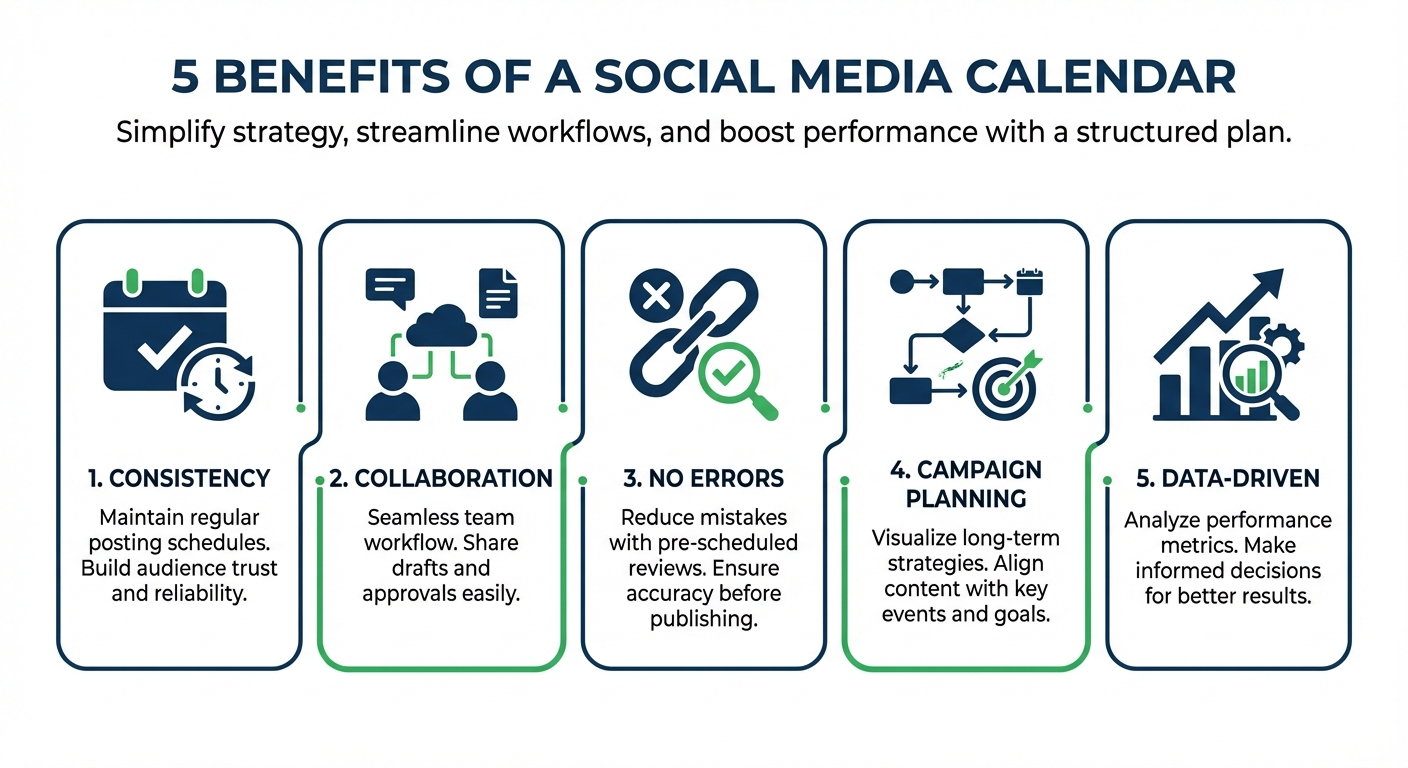
Key Benefits of a Social Media Calendar
How to Create a Content Calendar for Social Media: Step-by-Step
Step 1: Audit Your Current Social Presence
Review what’s working, what your competitors do, and define your brand voice and key personas.
Step 2: Choose Your Social Media Platforms
Not every platform fits every brand. Use your audit to focus where your audience actually spends time.
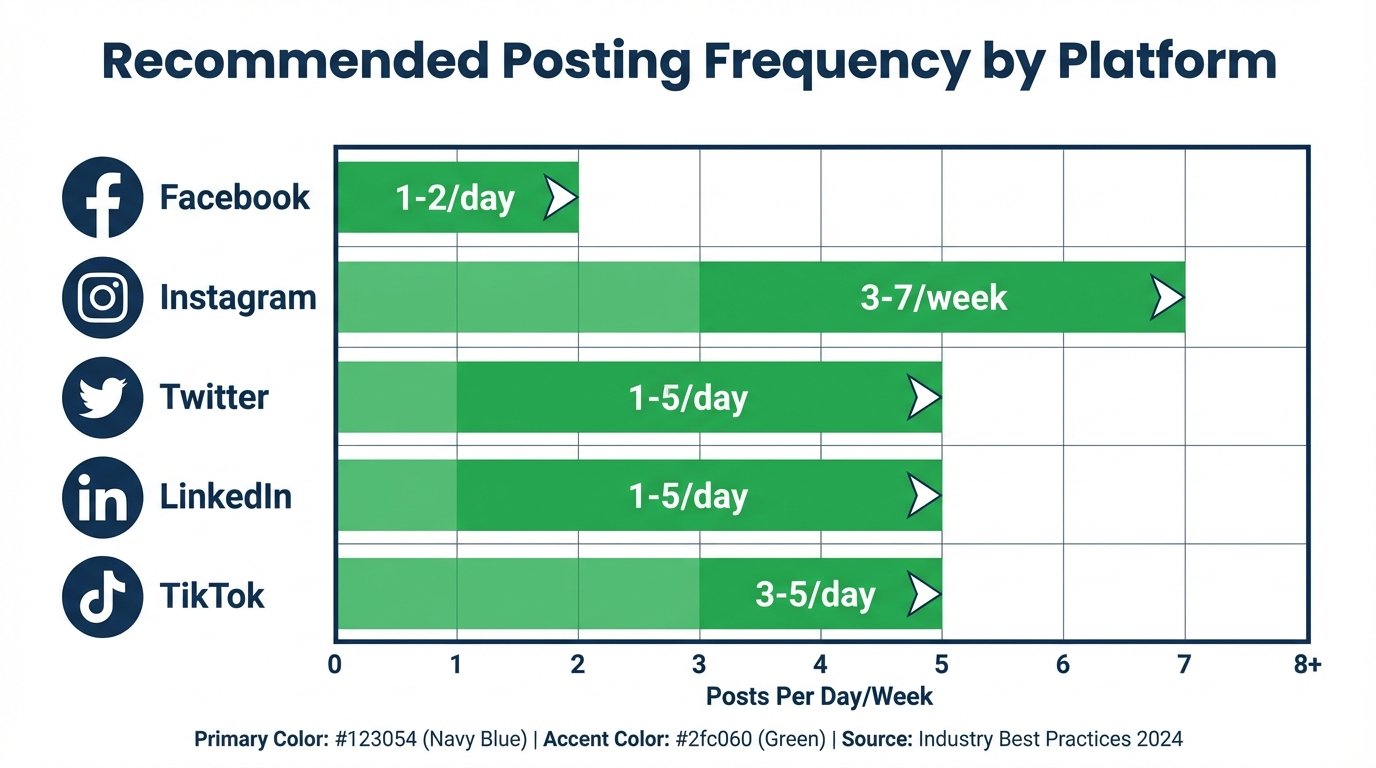
Average posting frequencies:
Step 3: Decide on Content Pillars & Types
Not all content is created equal. Identify your main content pillars; like Educate, Inspire, and Promote.
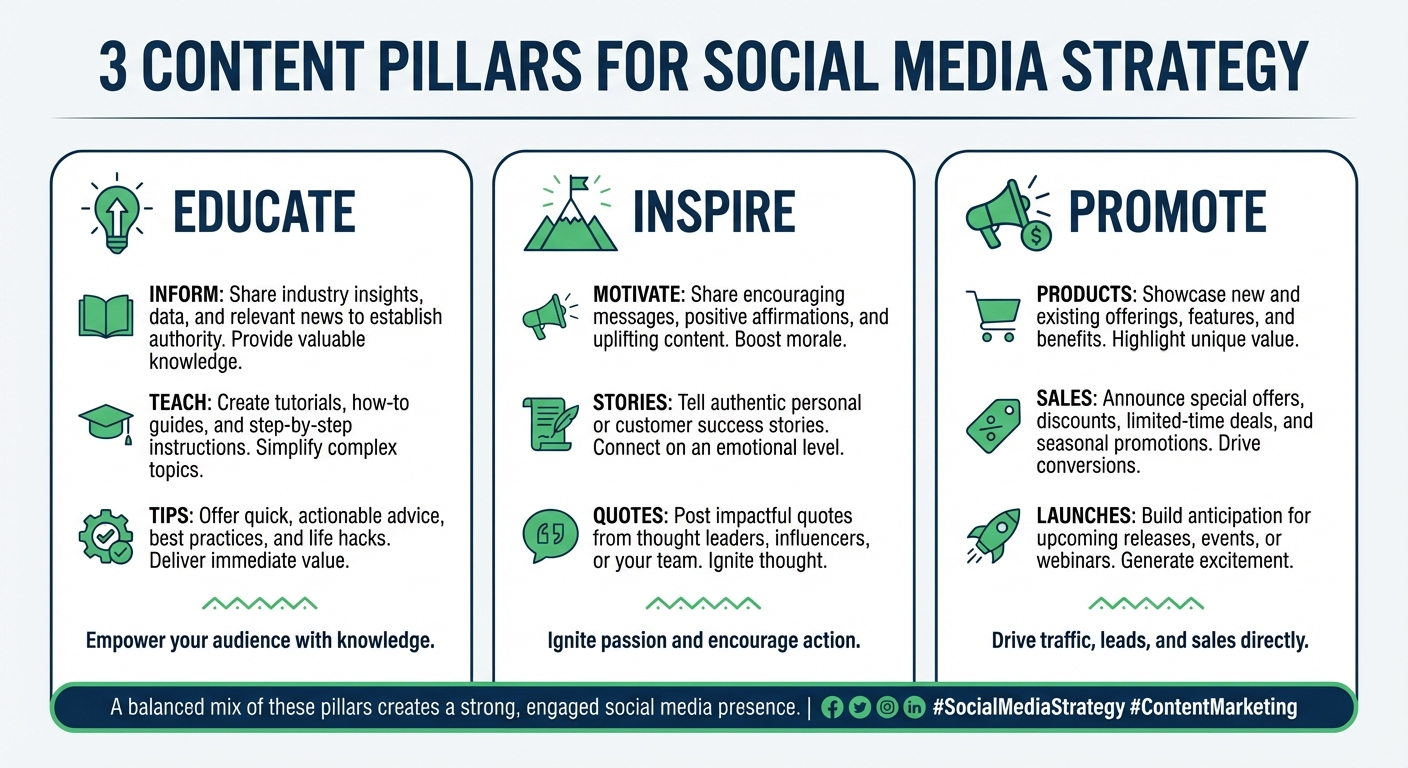
Map your post types to these pillars for a well-balanced feed:
Tip: Apply frameworks like the Rule of Thirds or the 80/20 Rule to keep your content mix balanced; where promotion supports, not overshadows, engagement and value.
Step 4: Build Your Social Media Calendar Template
Include these fields in your template for each post:
Step 5: Map Out Campaigns and Major Events
First, drop in known campaigns, launches, and must-hit dates before backfilling everyday content. Remember your everyday content can always be pushed back to make way for more important content such as key product launches or peak annual event period this is especially true if you are trying to ride on trends.
Step 6: Post, Track, Analyze, and Optimize
Go live with your posts, then monitor key KPIs; it can be the engagements, the reach, or the conversions. The insight that you’ll get here will help you refine your next month’s calendar, and not just past results.
Where to Create a Social Media Calendar Template
The right tool can save you hours, cut out headaches, and make your team’s workflow run smoothly. Whether you’re building a simple social media calendar template or managing multi-channel campaigns, these tools make planning, scheduling, and collaboration easier. Have a look at the most notable one:
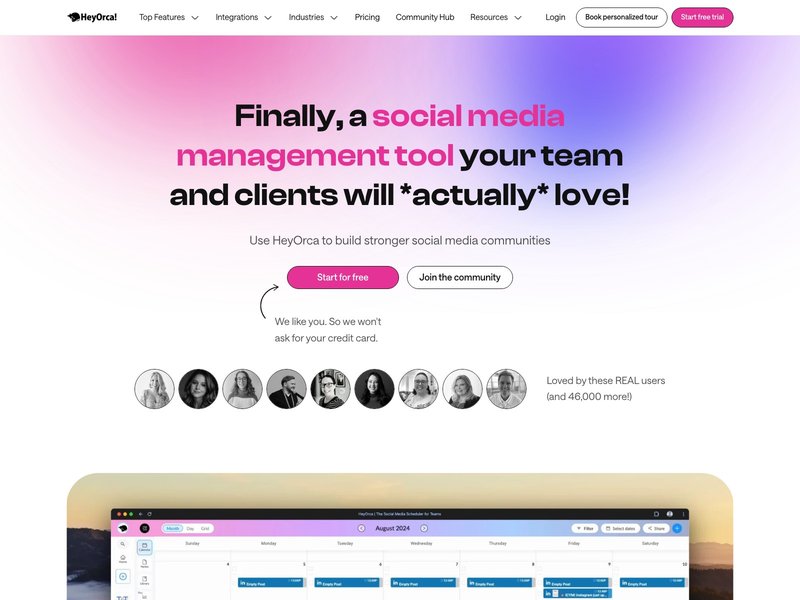
HeyOrca
Designed for agencies and teams, HeyOrca supports unlimited users, visual content previews, client approval workflows, and cross-platforms scheduling–all in one unified calendar
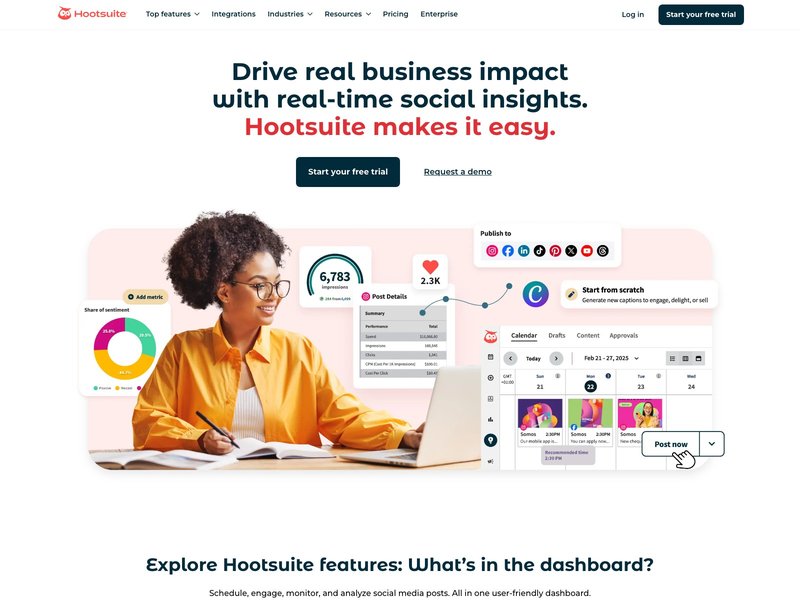
Hootsuite
The heavy-hitter for scheduling, analytics, and multi-platform management. Drag-and-drop calendar views, built-in best time posting suggestions, and approval workflows make it a favorite for both solo marketers and large teams working across Facebook, Instagram, TikTok, and more.
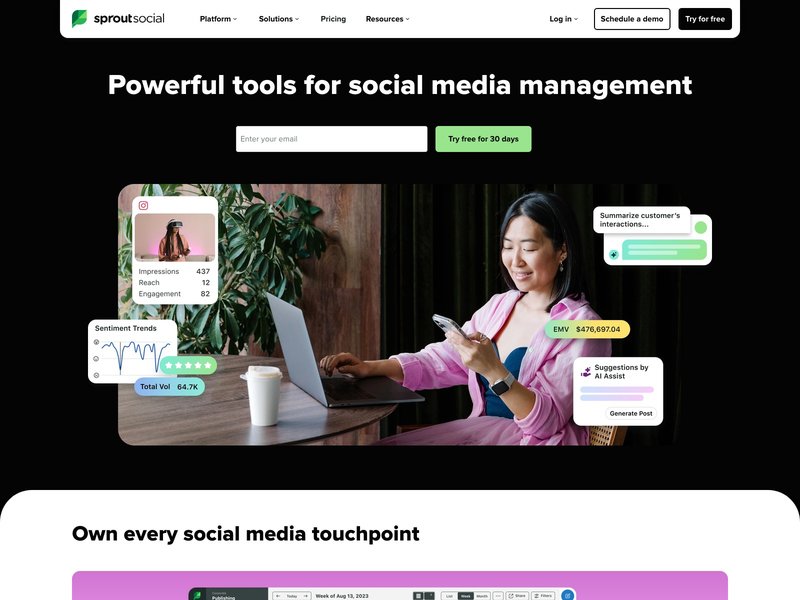
Sprout Social
Robust analytics, collaborative campaign planning, and powerful post-scheduling in one place. Unlock in-depth reports, built-in asset libraries, and smart automation for optimal timing, perfect for brands scaling their presence.
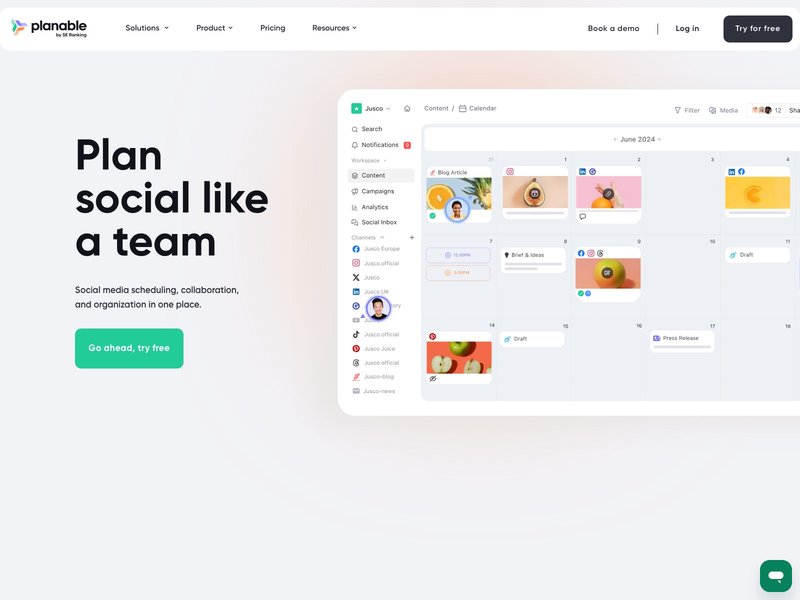
Planable
Purpose-built for smooth teamwork, multi-level reviews, and content versioning. It offers real-time collaboration and visual content previews, ensuring every post is ready for approval before going live.
Ready, Set, Schedule: Your Next-Level Social Strategy
Building a robust social media calendar isn’t just about staying organized. It’s your digital blueprint for brand growth, team collaboration, and meaningful audience engagement. The right calendar template transforms posting into planning, content creation into strategy, and chaos into confidence.
With a clear calendar in hand, your team can move faster, hit every campaign, and turn every post into branded opportunity, no matter which platform or content pillar you focus on. Don’t treat your content as a last-minute scramble; treat it as your next win. The tools, steps, and strategy are all here. Now, it’s your move.