Instagram Shadowban: How to Avoid and Fix It (Philippines Guide)
If you’ve noticed a sudden drop in your Instagram engagement, you might be experiencing an Instagram shadowban. This frustrating phenomenon can significantly impact your reach, making your content virtually invisible to anyone who doesn’t already follow you. For Filipino businesses and content creators relying on Instagram for their social media marketing efforts, understanding and preventing shadowbans is crucial for maintaining your online presence.
In this comprehensive guide, we’ll explore what an Instagram shadowban is, why it happens, how to identify if you’ve been affected, and most importantly, how to fix it and prevent it from happening again.
What Is an Instagram Shadowban?
An Instagram shadowban is an unofficial term used to describe when Instagram limits the visibility of your content without explicitly notifying you. Unlike a full ban where your account gets suspended, a shadowban operates silently in the background. Your posts won’t appear on hashtag pages, the Explore page, or in the feeds of users who don’t follow you.
The term “shadowban” comes from the fact that Instagram doesn’t officially acknowledge this practice. Meta, Instagram’s parent company, has historically denied the existence of shadowbans while simultaneously confirming that they do limit the reach of content that violates their guidelines or appears spammy.
In 2025, Instagram introduced more transparent account status features, allowing users to check if their content is being limited. However, the core concept remains the same: certain behaviors can trigger algorithmic penalties that dramatically reduce your content’s reach.
Signs You’ve Been Shadowbanned on Instagram
Recognizing an Instagram shadowban early can help you take corrective action before it significantly damages your engagement. Here are the telltale signs to watch for:
Dramatic Drop in Reach and Engagement
The most obvious sign is a sudden and significant decrease in your post reach. If your content typically reaches thousands of accounts but suddenly drops to a few hundred, you might be shadowbanned. Check your Instagram Insights for reach from non-followers—this metric often drops to near zero during a shadowban.
Posts Not Appearing in Hashtag Searches
Test this by posting content with a unique or less popular hashtag, then search for that hashtag from a different account. If your post doesn’t appear in the hashtag feed while other recent posts do, this is a strong indicator of a shadowban.
Reduced Explore Page Visibility
Your content should occasionally appear on the Explore page for users interested in similar content. A complete absence from Explore, combined with other symptoms, suggests algorithmic limitations.
Account Status Warnings
Instagram now provides an Account Status feature where you can check if your account has any restrictions. Navigate to Settings > Account > Account Status to see if Instagram has flagged any of your content or limited your account’s reach.
Common Causes of Instagram Shadowbans in 2026
Understanding why shadowbans happen is the first step to avoiding them. Here are the most common triggers:
Using Banned or Restricted Hashtags
Instagram maintains a list of banned hashtags that are associated with spam, inappropriate content, or community guideline violations. Using even one banned hashtag can potentially affect your entire post’s visibility. Some hashtags become temporarily restricted due to misuse, even if they seem innocent.
For Philippine businesses, be particularly careful with trending local hashtags—popular tags can sometimes get restricted if they’re being misused by spammers.
Bot-Like Behavior
Instagram’s algorithms are designed to detect and penalize automated behavior. Actions that can trigger this include:
- Following and unfollowing large numbers of accounts rapidly
- Liking hundreds of posts in a short time span
- Posting the same comments repeatedly
- Using third-party automation tools for engagement
- Mass direct messaging, especially with links
Community Guideline Violations
Posting content that violates Instagram’s community guidelines—even unintentionally—can result in reduced reach. This includes content with excessive nudity, violence, hate speech, misinformation, or copyrighted material. Instagram’s AI has become increasingly sophisticated at detecting borderline content.
Excessive Posting or Engagement
While being active on Instagram is generally good, there are limits. Posting more than 10 times per day, commenting excessively on posts, or performing too many actions within a short period can flag your account as spam.
Being Reported by Multiple Users
If multiple users report your account or content, Instagram may temporarily limit your reach while they investigate. Even if the reports are unfounded, the temporary restriction can feel like a shadowban.
How to Check If You’re Shadowbanned
Before taking corrective action, confirm whether you’re actually experiencing a shadowban or just normal fluctuations in engagement. Here’s how to check:
Use Instagram’s Account Status Feature
Go to your profile, tap the menu icon, select Settings and Privacy, then Account, and finally Account Status. This official tool shows if any of your content has been removed or if your account has any restrictions affecting recommendations.
Analyze Your Instagram Insights
Compare your recent post performance with your historical averages. Look specifically at:
- Reach from non-followers (should be more than 10-20% of total reach)
- Impressions from hashtags (should show some activity if you’re using hashtags)
- Explore page impressions (should have at least occasional appearances)
The Hashtag Test Method
Post content using a unique hashtag that has very few other posts. Then, from a different account that doesn’t follow you, search for that hashtag. If your post appears, you’re likely not shadowbanned. If it doesn’t appear even after several hours, there may be restrictions on your account.
How to Fix an Instagram Shadowban
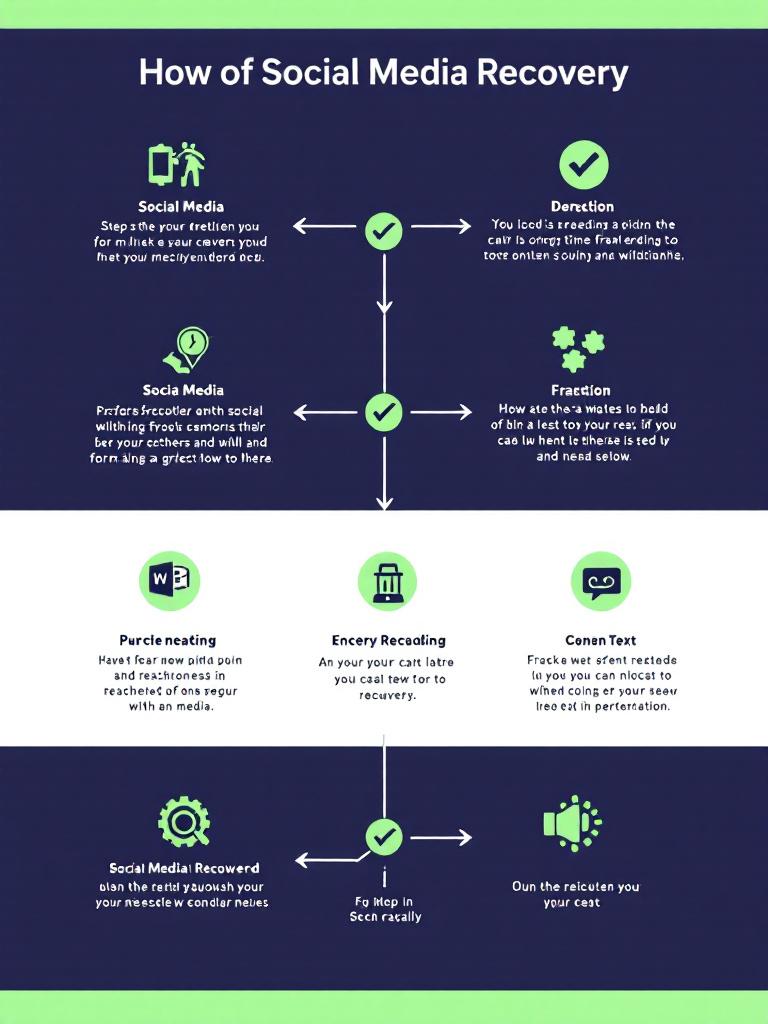
If you’ve confirmed that you’re experiencing reduced visibility, here’s a step-by-step approach to recovering your reach:
Step 1: Review and Remove Problematic Content
Check your Account Status for any flagged content and remove posts that may have violated guidelines. Even if you disagree with the assessment, removing flagged content demonstrates good faith to the algorithm.
Step 2: Audit Your Hashtag Strategy
Go through your recent posts and remove any potentially banned or restricted hashtags. Use Instagram’s search function to test hashtags before using them—if a hashtag shows a “Recent Posts Hidden” message, avoid it entirely.
Step 3: Take a Brief Break
Consider reducing your activity for 24-48 hours. This doesn’t mean going completely silent, but avoid any behavior that could be considered spam-like. Post only once or twice, limit your likes and comments, and avoid using hashtags temporarily.
Step 4: Disconnect Third-Party Apps
Go to Settings > Security > Apps and Websites and revoke access to any third-party apps that have access to your Instagram account, especially any automation tools. These can trigger Instagram’s spam detection systems.
Step 5: Switch to Original, High-Quality Content
Focus on creating original content rather than reposting others’ content. Instagram’s algorithm increasingly favors original creators. Use native features like Reels, Stories, and carousel posts to show you’re an engaged, legitimate user.
Step 6: Engage Authentically
Resume normal activity gradually, focusing on genuine engagement. Reply to comments on your posts, engage meaningfully with accounts in your niche, and participate in conversations rather than just dropping generic comments.
Step 7: Appeal If Necessary
If you believe your account was incorrectly restricted, you can submit an appeal through the Account Status page. Provide clear information about your account and explain why you believe the restriction is a mistake.
How Long Does an Instagram Shadowban Last?
The duration of a shadowban varies depending on the severity of the violation and your subsequent behavior. Minor infractions typically result in restrictions lasting 24-48 hours. More serious violations or repeated offenses can lead to restrictions lasting 2-4 weeks or longer.
In some cases, particularly when the account has a history of violations, the reduced reach may become more permanent unless significant changes are made to content strategy and behavior.
Preventing Future Instagram Shadowbans
Prevention is always better than cure. Here’s how to maintain healthy reach and avoid future shadowbans:
Follow a Sustainable Posting Schedule
Develop a consistent posting schedule that doesn’t exceed Instagram’s unofficial limits. For most accounts, 1-3 feed posts per day and 3-10 Stories is a safe range. Quality always beats quantity when it comes to Instagram success.
Use Hashtags Strategically
Instead of using the maximum 30 hashtags, focus on 5-15 highly relevant hashtags per post. Mix popular hashtags with niche-specific ones, and regularly rotate your hashtag sets to avoid looking spammy. Always research hashtags before using them to ensure they’re not restricted.
Build Genuine Community Engagement
Focus on building real relationships with your followers and others in your niche. Respond to comments thoughtfully, engage with your followers’ content, and participate in relevant conversations. This authentic engagement signals to Instagram that you’re a real user, not a bot.
For more tips on building authentic engagement, check out our guide on social media best practices for Philippine businesses.
Stay Updated on Instagram’s Guidelines
Instagram frequently updates its community guidelines and terms of service. Make it a habit to review these periodically and adjust your strategy accordingly. Following Instagram’s official blog and creator accounts can help you stay informed about changes.
Diversify Your Content Strategy
Don’t rely solely on hashtags for discovery. Create shareable content that your followers will want to send to friends. Use Instagram’s various features—Reels, Stories, Lives, Guides—to maximize your visibility through different channels.
Instagram Shadowban Myths Debunked
There’s a lot of misinformation about shadowbans. Let’s clear up some common myths:
Myth: Using a Business Account Causes Shadowbans
There’s no evidence that business or creator accounts are more susceptible to shadowbans than personal accounts. In fact, business accounts often have better tools for monitoring and addressing reach issues.
Myth: Certain Post Types Are More Likely to Be Shadowbanned
The type of content you post (photos, videos, Reels, carousels) doesn’t inherently affect your shadowban risk. What matters is the content itself and how you promote it.
Myth: You Can Pay to Remove a Shadowban
Any service claiming to remove shadowbans for a fee is likely a scam. The only way to address a shadowban is through the legitimate methods outlined above.
Final Thoughts
An Instagram shadowban can be frustrating, especially for Filipino businesses and creators who rely on the platform for visibility and growth. However, by understanding what causes shadowbans, recognizing the signs early, and following best practices for recovery and prevention, you can maintain a healthy, thriving Instagram presence.
Remember that Instagram’s goal is to create a positive user experience. By focusing on creating valuable, original content and engaging authentically with your community, you’ll not only avoid shadowbans but also build a more sustainable social media presence.
If you’re struggling with your social media strategy or recovering from engagement issues, consider working with professionals who understand the nuances of social media marketing in the Philippine market. A strategic approach can help you build lasting visibility without risking algorithmic penalties.