Top Social Media Management Tools for 2024

The social media management tools market now includes over 40 credible platforms. More than 12,000 marketers have rated these tools on G2 alone, and the top 10 lists shift every quarter. Choosing the right one depends less on feature counts and more on how a platform fits your team’s real workflow.
TL;DR: Don’t pick social media management tools by feature list or brand name. Match the tier to your team’s size, verify analytics against native platform numbers, and test the approval workflow before testing the scheduler. The best tool is the one your team actually opens every day.
The rules below come from watching brands of every size pick, abandon, and re-pick these platforms across years of enterprise digital marketing services. Each rule holds in the majority of cases. The final section covers when they break.
Match the tool tier to your team size, not your ambition
Sprinklr covers 30+ social listening channels and earned recognition as a leader in both the 2024–2025 IDC MarketScape and the Forrester Wave: Social Suites, Q4 2024. That pedigree matters for a 15-person social team managing 8 brand accounts. It’s overkill for a 2-person marketing team posting to Facebook, Instagram, and LinkedIn.
The tier breakdown is straightforward. Buffer, Loomly, and SocialPilot suit teams of 1 to 3 people. Agorapulse, Sendible, and Hootsuite serve mid-size teams (4 to 10) that need shared inboxes and role-based permissions. Sprinklr, Sprout Social, and Khoros target enterprise teams that need compliance controls, cross-region publishing, and API integrations with CRMs.
Buying above your tier wastes budget on features nobody configures. Buying below creates workarounds that eat more time than the tool saves. A 3-person team that signs an annual Sprinklr contract will use about 20% of the platform. A 12-person team crammed into a Buffer Pro plan will build a shadow workflow in Slack and Google Sheets within 6 weeks.
Tip: Ask the vendor how many active users their average customer has on the plan you’re considering. If the answer is 3x your team size, you’re probably buying too high.
Demand native analytics that match platform-reported numbers
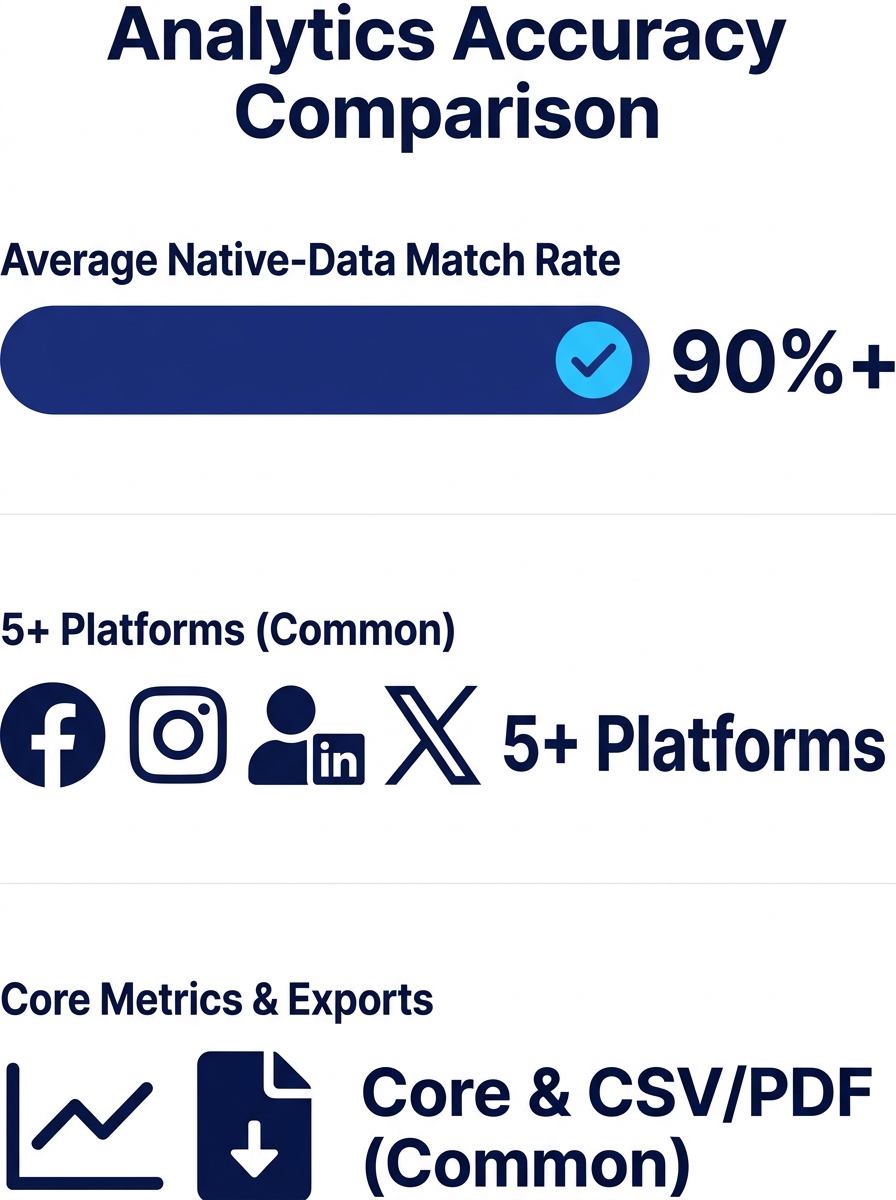
Every social media management tool promises reporting. The question is whether the numbers match what Facebook, Instagram, and TikTok report natively. Discrepancies of 10% to 25% between a tool’s dashboard and the native platform are common, and they erode trust fast.
Sprout Social’s reporting is often cited for being stakeholder-ready: engagement rates, response times, brand mentions, and sentiment data packaged in exportable formats. Buffer’s analytics skew simpler, focused on post-level reach and clicks. Sendible, per Blogging Wizard’s review, has a known gap: “I do wish they had analytics for more of the platforms they connect to, but its scheduling and team management functionality are some of the best I’ve tested.”
During your trial, publish 10 posts through the tool and compare impressions, reach, and engagement counts against the native platform’s data. If the delta exceeds 15%, that reporting layer will cause confusion every time your team presents results to stakeholders. Understanding how marketing measurement frameworks work makes this comparison easier to scope.
Test the approval workflow before you test the scheduler
Scheduling gets all the attention. Approval workflows determine whether the tool survives past month two.
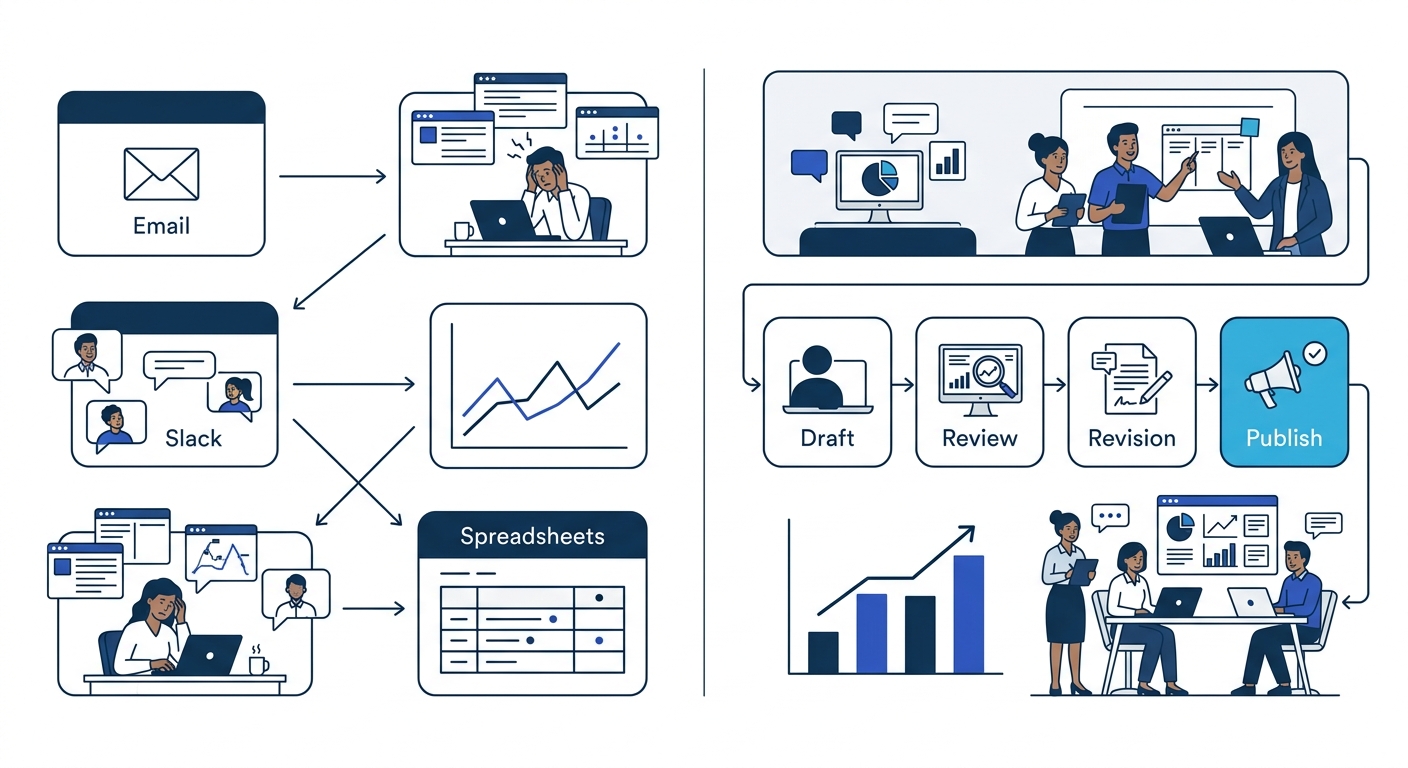
Brands with compliance requirements, multi-market teams, or agency relationships need a clear path from draft to review to publish. Sprout Social and Agorapulse both offer multi-step approval chains with role-based permissions. Buffer’s approval flow is lighter, suited for small teams where one person reviews everything. Hootsuite sits in the middle, supporting custom approval paths that scale with team size.
The MydropAI 2026 analysis of collaborative calendar tools put it directly: “Every time an employee leaves your scheduling platform to find a conversation, they lose the mental thread of the task.” If your approval process lives in email threads or Slack channels instead of inside the tool, you’ve already lost the efficiency the tool was supposed to provide. Context-switching is the real cost, and it compounds as your posting volume grows.
When evaluating approval workflows, have two team members run a mock content cycle. Draft 5 posts, assign them for review, request a revision on 2, approve the rest, and schedule them. Time the process. Then compare that to your current method.
Treat AI features as a filter, not a decision-maker
Hootsuite’s OwlyWriter AI and OwlyGPT help brainstorm captions, catch errors, and flag cultural risks. Sprinklr AI+ uses generative AI to draft responses and summarize customer interactions. Buffer and Later have added AI caption suggestions to their publishing flows. By mid-2026, every major platform in this category includes some form of AI content generation.
The practical value is in the editing, not the writing. AI-generated captions are a starting point. They reduce the time from blank screen to first draft. They don’t replace a human who knows the brand voice, the local context, or the nuance of a campaign message. The brands that get burned are the ones that set AI features to “auto-approve” and walk away.
Use AI tools for 3 specific tasks: generating caption variants for A/B testing, flagging posts that include compliance-sensitive language, and suggesting optimal posting times based on historical engagement data. Keep a human in the approval chain for everything else.
Verify platform coverage for the channels you actually use
A tool that supports 13 platforms sounds impressive until you realize 8 of those platforms are irrelevant to your market. Philippine brands typically need strong coverage for Facebook, Instagram, TikTok, YouTube, and LinkedIn. Some also need X (formerly Twitter) and, increasingly, Viber Business or WhatsApp Business for direct engagement.
Hootsuite integrated built-in video editing tools in its Composer in March 2024, which matters if TikTok and Reels are central to your content mix. HubSpot enhanced its social publishing in February 2024 by integrating Twilio SMS, useful for brands layering social with direct messaging. StatusBrew splits its features into Publish, Engage, and Reporting sections with automated inbox tools for cross-platform management.
The Forrester Wave Q4 2024 report specifically highlighted that teams should verify support for regional networks before committing. For APAC and Philippine brands, ask 3 questions: Does the tool support Facebook Page management with full API access (not a limited integration)? Can it publish native Reels and TikTok posts? Does the inbox aggregate Messenger, Instagram DM, and WhatsApp in a single view?
If you’re evaluating tools alongside broader channel strategy, a digital marketing consultation helps map which platforms your audience actually engages with before you lock into a toolset.
Pick the content calendar your team will open daily
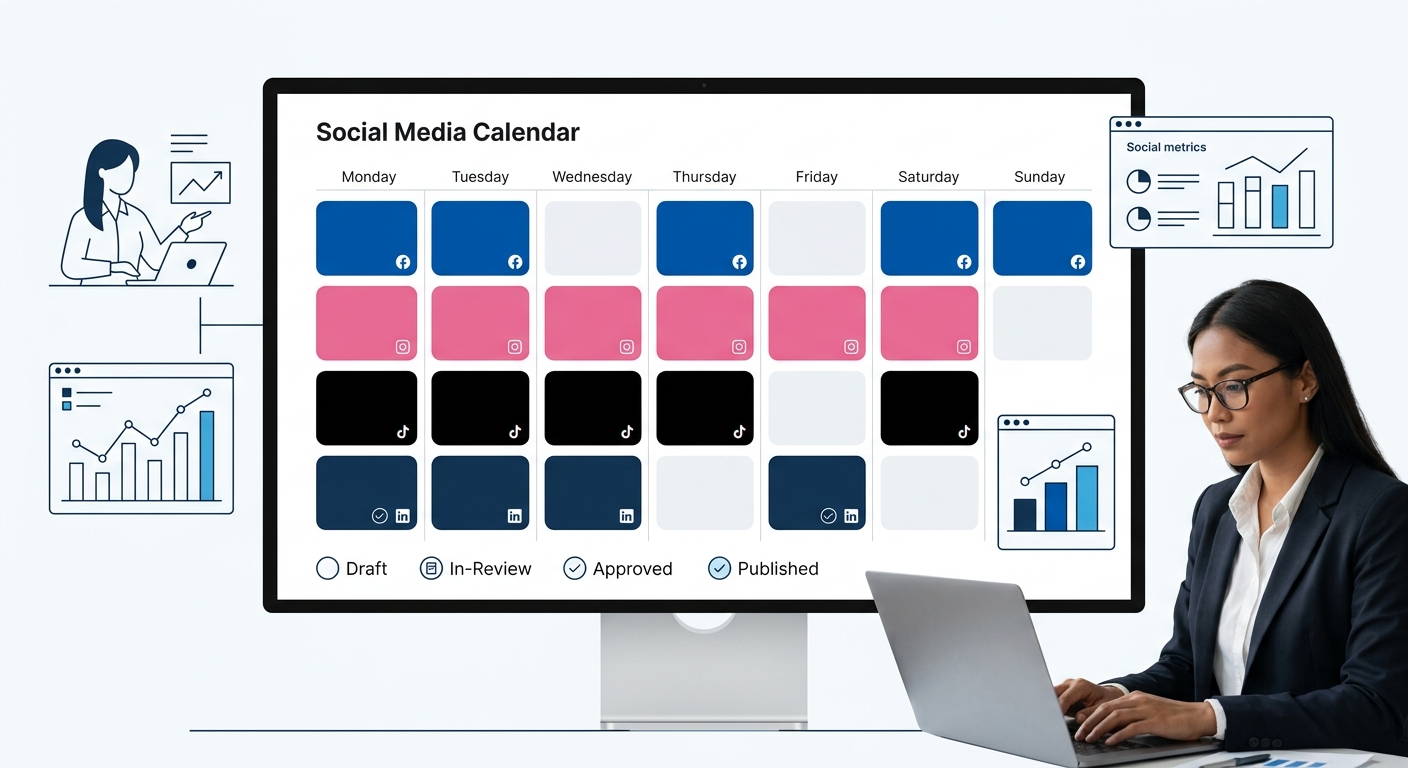
The calendar is the interface your team sees most. If it’s clunky, slow, or buried behind 3 clicks, people will revert to spreadsheets. Buffer launched its Board View in February 2024, a Kanban-style layout that lets teams organize content pipelines visually. Opal, per its own 2026 benchmarking guide, is positioned as the strongest overall content calendar for teams that need more than a basic scheduler. Notion works well as a calendar for teams already embedded in its ecosystem, though it lacks native social publishing.
The calendar needs to answer 4 questions at a glance: What’s going out today? What’s stuck in review? What gaps exist this week? And which platforms have no content queued? If you need a team member to click into 3 different views to answer those, the calendar is too fragmented.
For teams that produce visual-heavy content, designing infographics for social media as part of the calendar workflow, the tool needs inline image preview at minimum. Sprout Social and Later both offer visual previews in-calendar. Buffer’s Board View provides a similar drag-and-drop visual flow.
The best content calendar is the one your team opens every morning without being told to. Everything else is a spreadsheet with a subscription fee.
Run a free trial against your real posting cadence
Free trials exist for every major platform in this category. Sprout Social offers 30 days. Hootsuite, Buffer, and Agorapulse all provide trial periods ranging from 14 to 30 days. The mistake brands make is testing with dummy content and a relaxed schedule.
Instead, run the trial at your actual posting volume. If your brand publishes 4 posts per day across 3 platforms, schedule exactly that during the trial. You’ll discover API stability issues, scheduling conflicts, and reporting lag that a casual test would miss. Pay attention to 5 things: time-to-publish (how many clicks from draft to scheduled), notification reliability (do reviewers get pinged?), mobile app quality, export formatting for reports, and customer support response time.
If you’ve already identified content production bottlenecks in your agency workflow, the trial is where you’ll see whether the tool solves them or just rearranges them. Expert guidance from the industry advises checking that trial analytics match native platform data before upgrading to a paid plan.
When These Rules Break Down
Solo operators and freelancers can skip rules 1, 3, and 6. If you’re the only person creating, approving, and publishing, approval workflows and collaborative calendars add friction without benefit. Buffer or Later will handle the job.
Enterprise brands operating across 5+ markets with regulatory obligations (financial services, healthcare, pharma) will find that rules 1 and 3 merge into one requirement: the tool must have compliance-grade audit trails. That narrows the field to Sprinklr, Sprout Social, and a handful of purpose-built platforms like Khoros.
Brands that treat social media as a customer service channel first and a publishing channel second need to weight the inbox and response management features over everything else. Sprout Social’s Smart Inbox is the benchmark here. Hootsuite’s inbox has improved but still lags in routing logic for high-volume accounts.
And if you’re evaluating tools as part of a broader digital overhaul, building social media authority alongside SEO and paid media, the integration layer matters more than any single feature. The tool that connects cleanly to your CRM, your ad platforms, and your analytics stack will outperform the one with the best standalone calendar.
These 7 rules cover 80% of the decision. The remaining 20% is context: your industry, your team’s technical comfort, and the platforms your audience actually uses. Run the trial. Compare the numbers. Then commit for a quarter, not a year.